

How to Upgrade My Speeds/Plan?
- Go to your account login page > Click existing user at the bottom > Login with the credentials you chose during account creation.
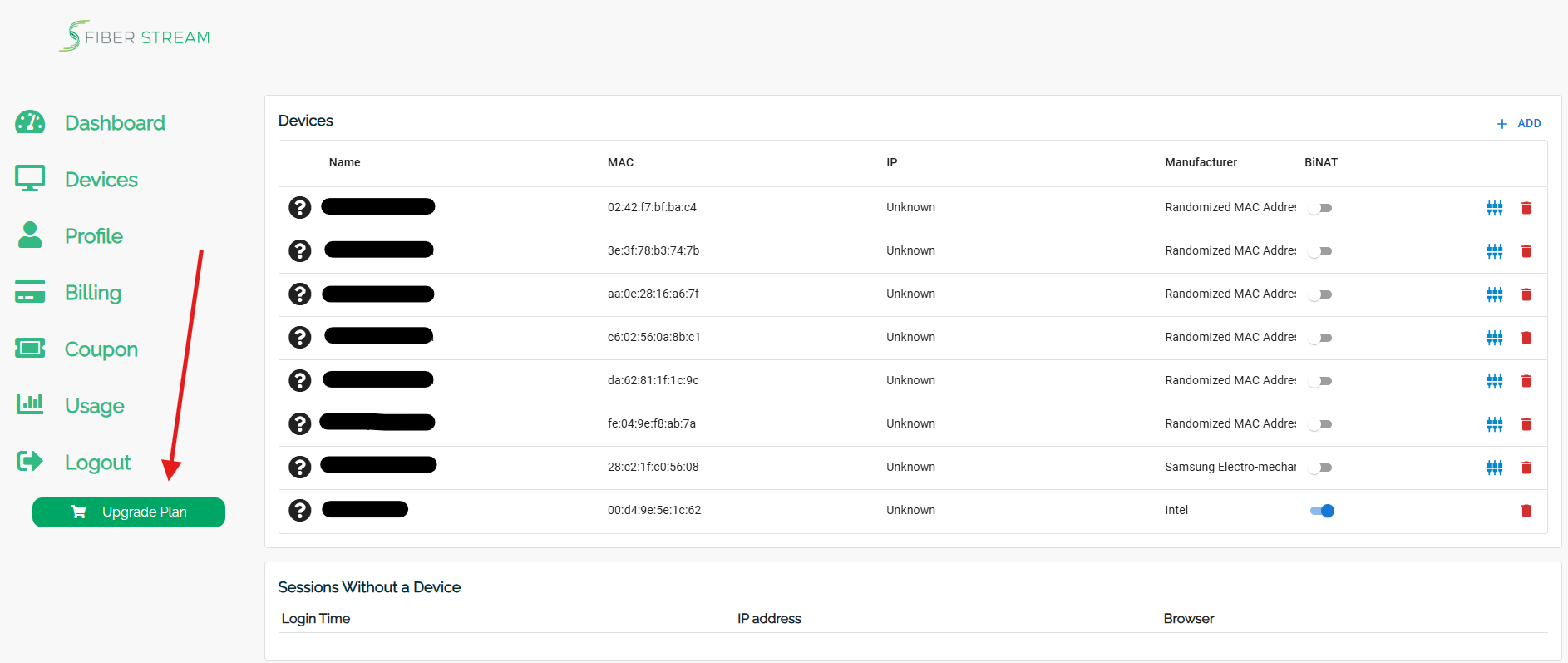
- Navigate to the UPGRADE PLAN Button at the bottom of the main menu.
- Upgrade the plan to one of the "Surfer or Gamer Plans."
- Surfing Plans — The perfect packages for creating a seamless Internet experience.
- Gaming Plans — Upgraded speeds and static IPs to enhance your gaming experience. Additionally, each plan has at least one Bi-Nat (Open nat-type/Nat type 2).
- Enter billing information > follow prompts.
Important: The upgraded plans are in addition to any arrangements with the leasing office and will be charged to your credit card each month until you cancel. You are required to cancel upon move-out.
Still need help?
Start with our 24/7 AI chat. It can solve most issues immediately and escalate you to a technician by text when needed.